
Starts September 29
Online
Track
Claude Code 101
Learn to use Claude Code as a work tool: assemble context, create verifiable artifacts, and turn successful runs into safe procedures.

Private Discord community

Practice, quizzes, and a final project

Mentors and checkpoints

Lifetime access and updates
TrackNo programming is required. You will start with the mental model: what Claude sees in a new run, how to assemble a working folder, and why the result must be defined in advance. In practice, you will produce a document, a spreadsheet analysis, a research brief, and a visual artifact while checking facts, sources, and versions. You will learn when to use Skills, hooks, and connectors, and how to set access and approval boundaries. Finally, you will turn one work task into a repeatable procedure, debug it on a real run, and preserve a working version.
- Assemble a working folder, session context, and task rules
- Define an artifact contract, acceptance criteria, source map, and handoff
- Prepare a document with verifiable facts, editing, and a clear version history
- Analyze CSV/XLSX data and prepare a table, conclusions, and dashboard specification
- Run research and visual audits while preserving sources, limitations, and disputed points
- Package a repeatable task as a safe procedure and improve it after a failed run
Claude Code 101
Who this is for
New
Managers, marketers, analysts, designers, and researchers who want to give Claude Code real work without programming

Pro
Specialists who prepare documents, spreadsheets, presentations, research, and content
Teams that need verifiable results, clear handoffs, and access control
People who already use Claude in chat and want to move to working folders, artifacts, and repeatable procedures
The manager already has your details
We’ll get back to you shortly.
Have questions?
We’ll reply within 15 minutes
Or contact
Curriculum
Nine modules take you from the first run and context assembly to verifiable artifacts, safe automation, and the capstone.
01
Mental Model
02
Tasks and Context
03
Artifacts
04
Documents and Content
05
Spreadsheets and Data
Show more
Learning Platform
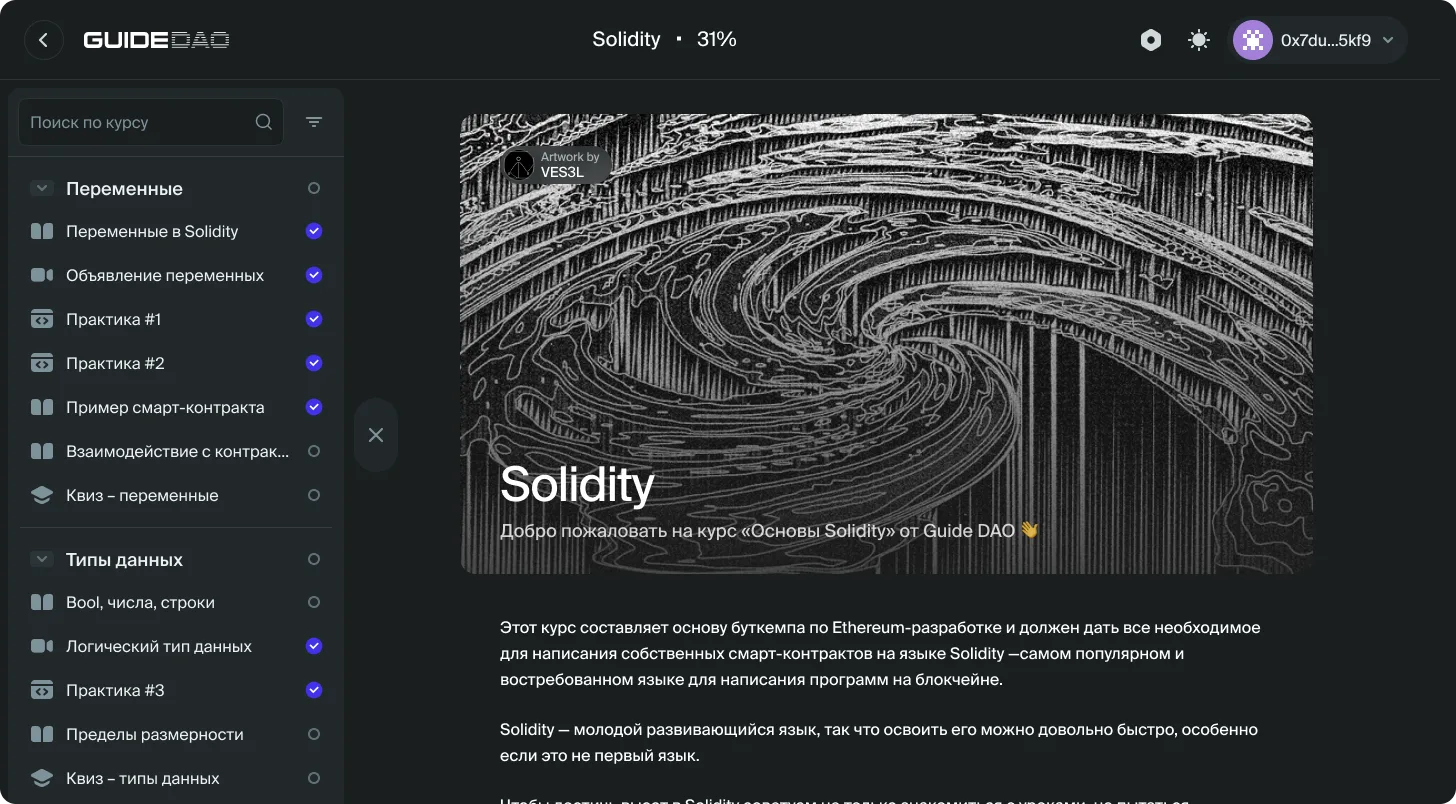
Short lessons, practice, and final artifacts live on one platform. Wallet login does not require a separate password.
- Wallet LoginConnect MetaMask from any device and resume where you stopped. You do not need a separate password.
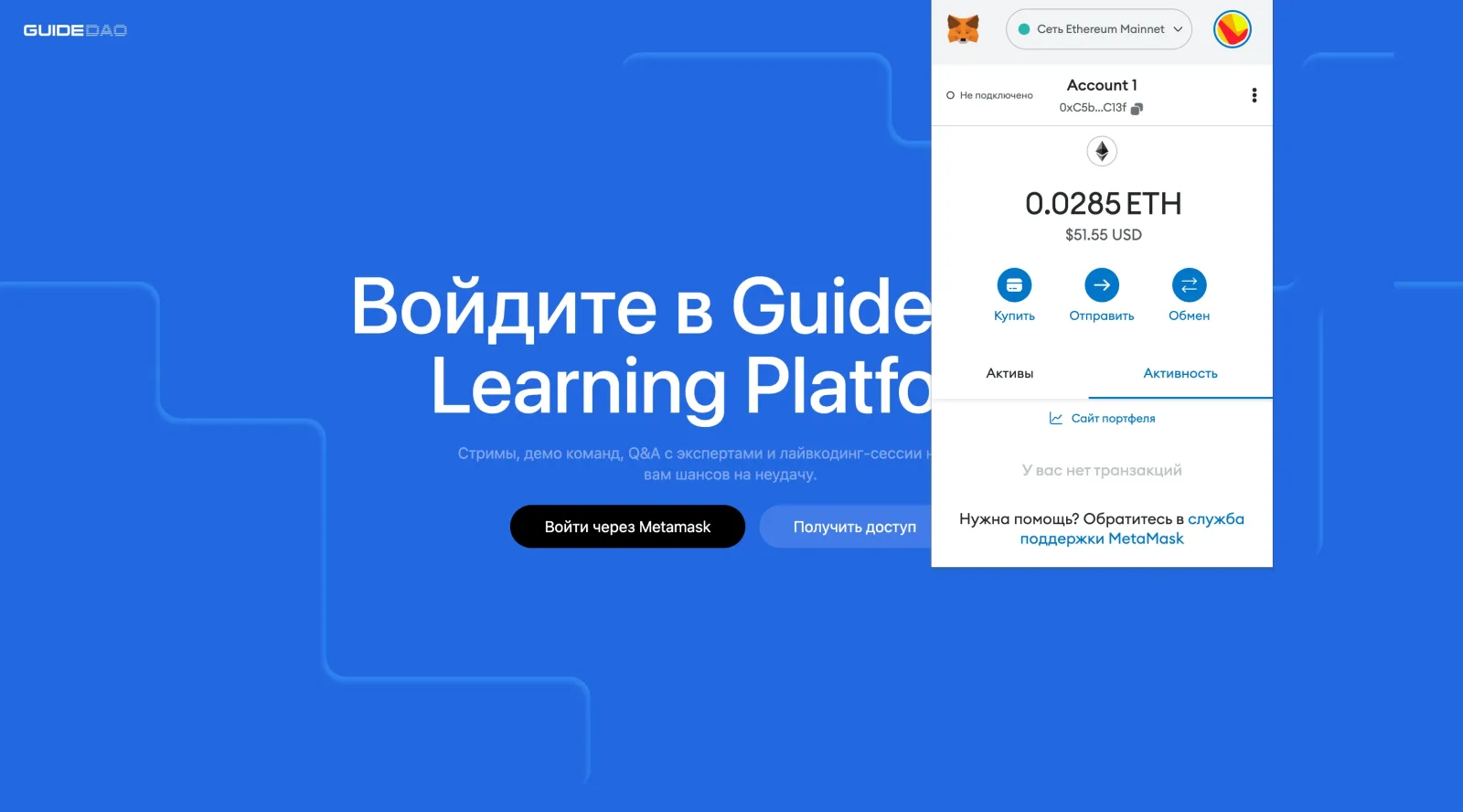
- Short LessonsLessons are split into small blocks. Complete one in a short session, then resume from the same point later.
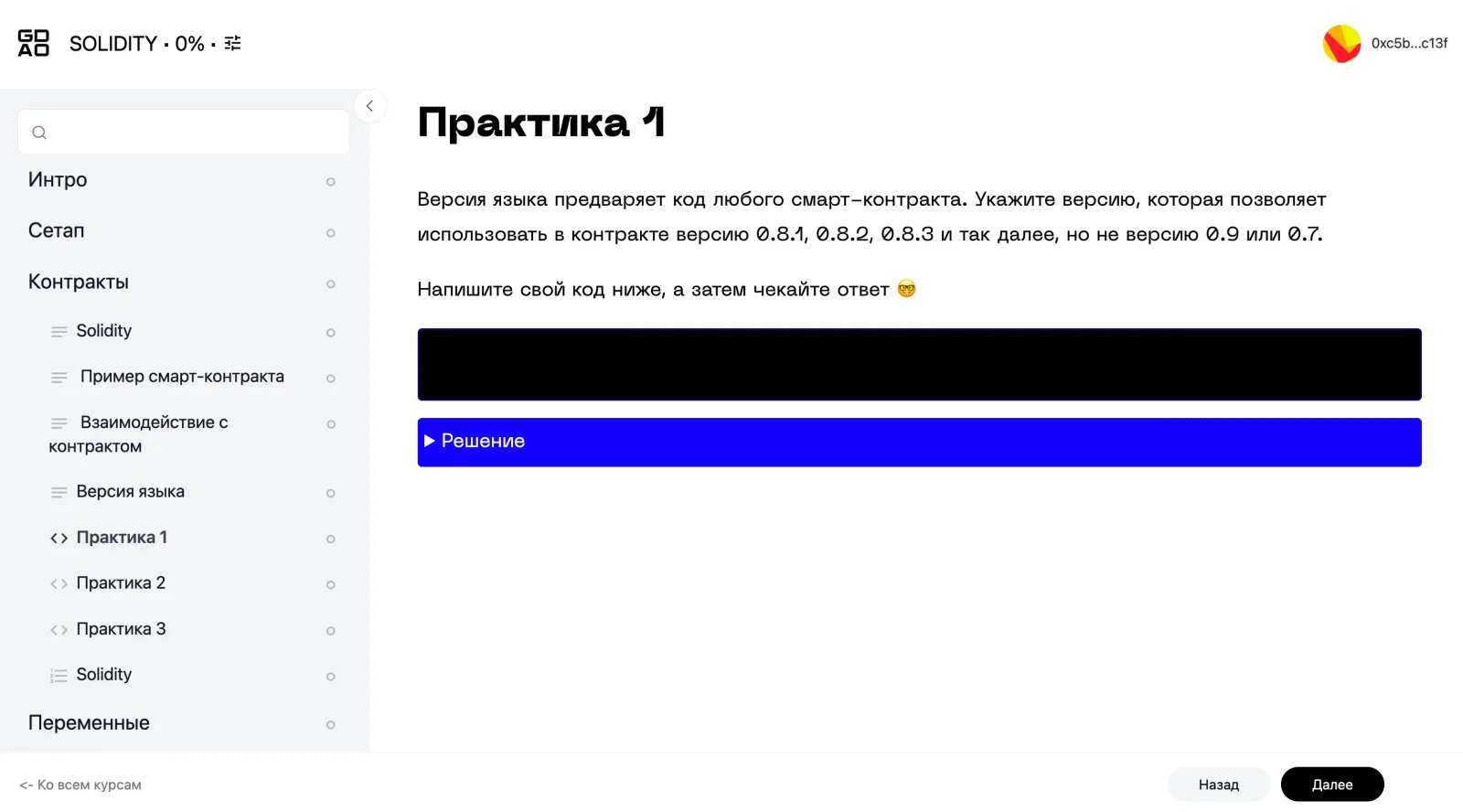
- Practice ThroughoutAssignments apply the material right after a lesson. In larger programs, separate outputs build toward a final project or capstone.
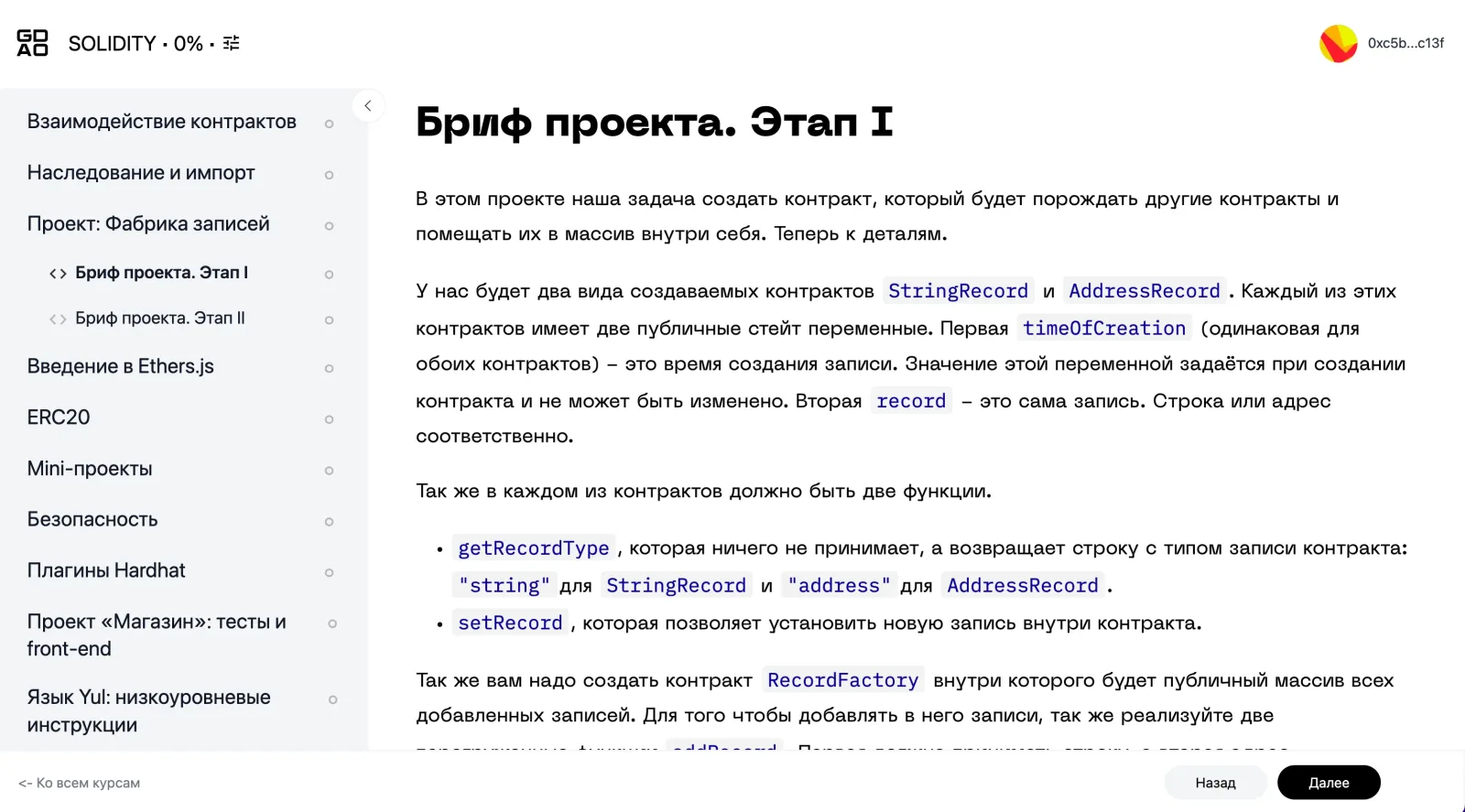
- One WorkspaceLessons, quizzes, assignments, and course materials stay together. Technical tasks can use the editor and syntax highlighting.
CommunityEach block ends with an assignment. Keep the intermediate results and assemble the final piece step by step.
Reviews and Community
01
Practice Reviews
Mentors review code, models, product decisions, and research artifacts in a format that fits each program.
02
Expert AMAs
Developers, researchers, and founders answer questions and show how they make decisions in real projects.
03
Research Briefings
The Guide DAO team follows new papers, tools, protocols, and working practices and connects them to the curriculum.
What You Leave With
Finish the program with a verifiable result you can show to a team or use in your next project.

Final Project
Build the program's main result against clear criteria and take it to a state another person can verify.

Portfolio of Work
Keep intermediate artifacts, sources, and decisions so others can see how you worked and why you reached the result.

Next Step
Record the result's limits, open questions, and next actions for your own project, a team, or a new role.