
Starts October 2
Online
Track
AI Agent Engineer
Build an AI agent in Python and inspect it layer by layer: the LLM receives context, the harness runs the loop, tools provide access to data and actions, and state preserves the progress of a run.

Private Discord community

21 exercises, tests, and a capstone

AMAs and live-coding streams

Lifetime access and updates
TrackRefresh the Python needed to work with agents. Then inspect one LLM call, send a request through the Responses API, and build the agent loop by hand. Next, move the same logic to the Agents SDK. From there, add context and tools, MCP and safety, retrieval and memory, planning, tracing, evals, and runtime code. Finish with an agent that finds data through tools, preserves a source map and execution trace, and can be evaluated against expected behavior.
- See what the LLM receives in each call and which parts of history the harness keeps between calls
- Send a Responses API request, inspect output items, build the agent loop by hand, and then move it to the Agents SDK
- Describe tools with JSON Schema, add validation and permissions, and connect MCP
- Assemble context from history, retrieval, and memory, then compact it to fit a token budget
- Restrict risky actions with allowlists, human approval, and sandboxing
- Turn observed failures into eval cases and check changes across traces, latency, cost, and quality
- Extend the starter LLM Wiki and capture a reproducible run with tests, a source map, trace, and health check
AI Agent Engineer
Who this is for

New
Learners who know Python basics and want to see how a controlled agent is built around LLM calls

Pro
Python and backend developers who already call models through APIs and are ready to build their own agent loop
AI engineers who want one coherent approach to context, tools, RAG, memory, safety, traces, and evals
Technical founders and architects who set autonomy boundaries and calculate the cost of a run
Developers who want to learn the Responses API and the Agents SDK without losing sight of the mechanics underneath
The manager already has your details
We’ll get back to you shortly.
Have questions?
We’ll reply within 15 minutes
Or contact
Curriculum
Fifteen modules, 21 short coding exercises, and one capstone. Python is the prep layer. Agent code starts with the Responses API and then moves to the Agents SDK.
01
Introduction
02
Python
03
LLMs
04
API
05
Context
Show more
Learning Platform
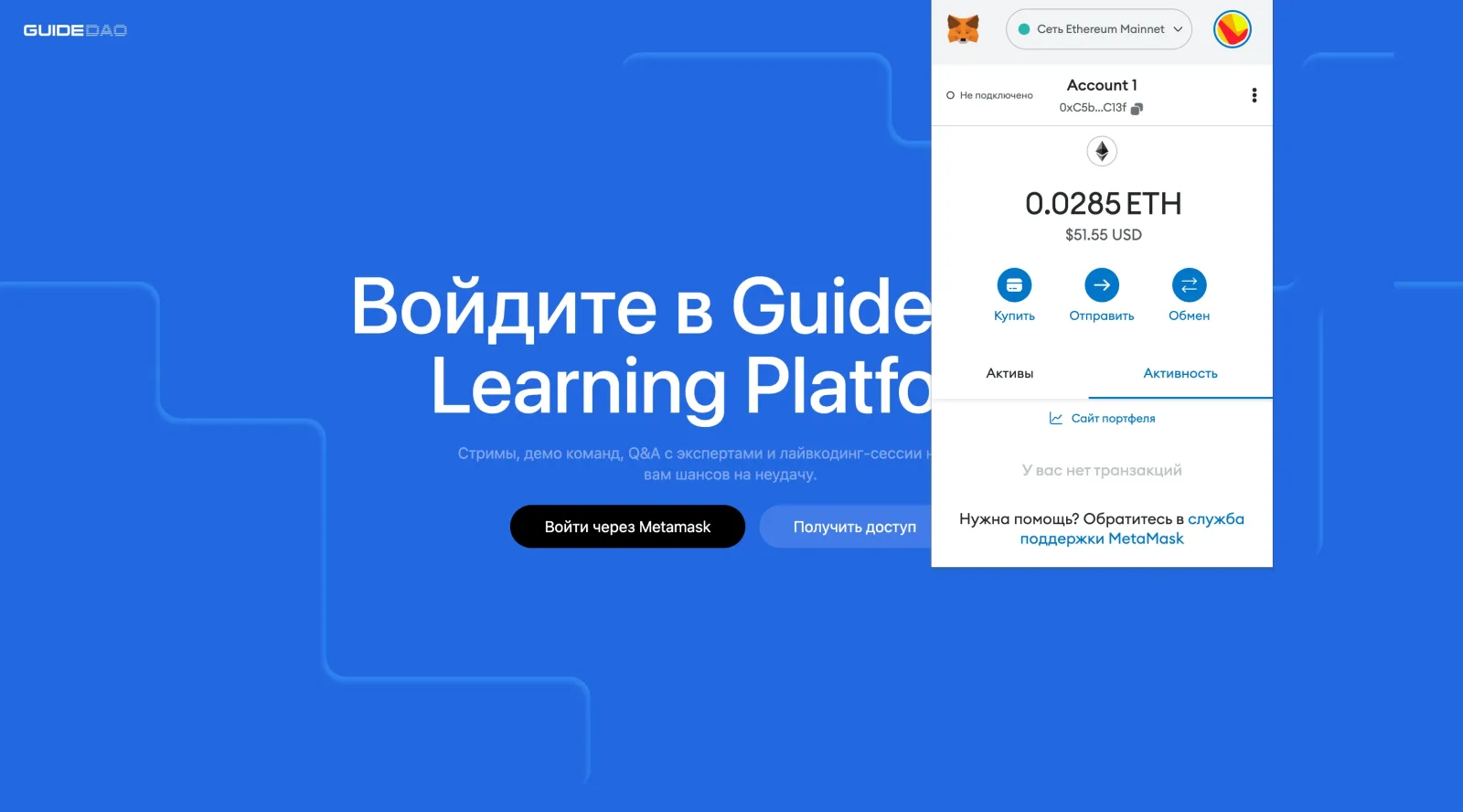
Short lessons, practice, and final artifacts live on one platform. Wallet login does not require a separate password.
- Wallet LoginConnect MetaMask from any device and resume where you stopped. You do not need a separate password.
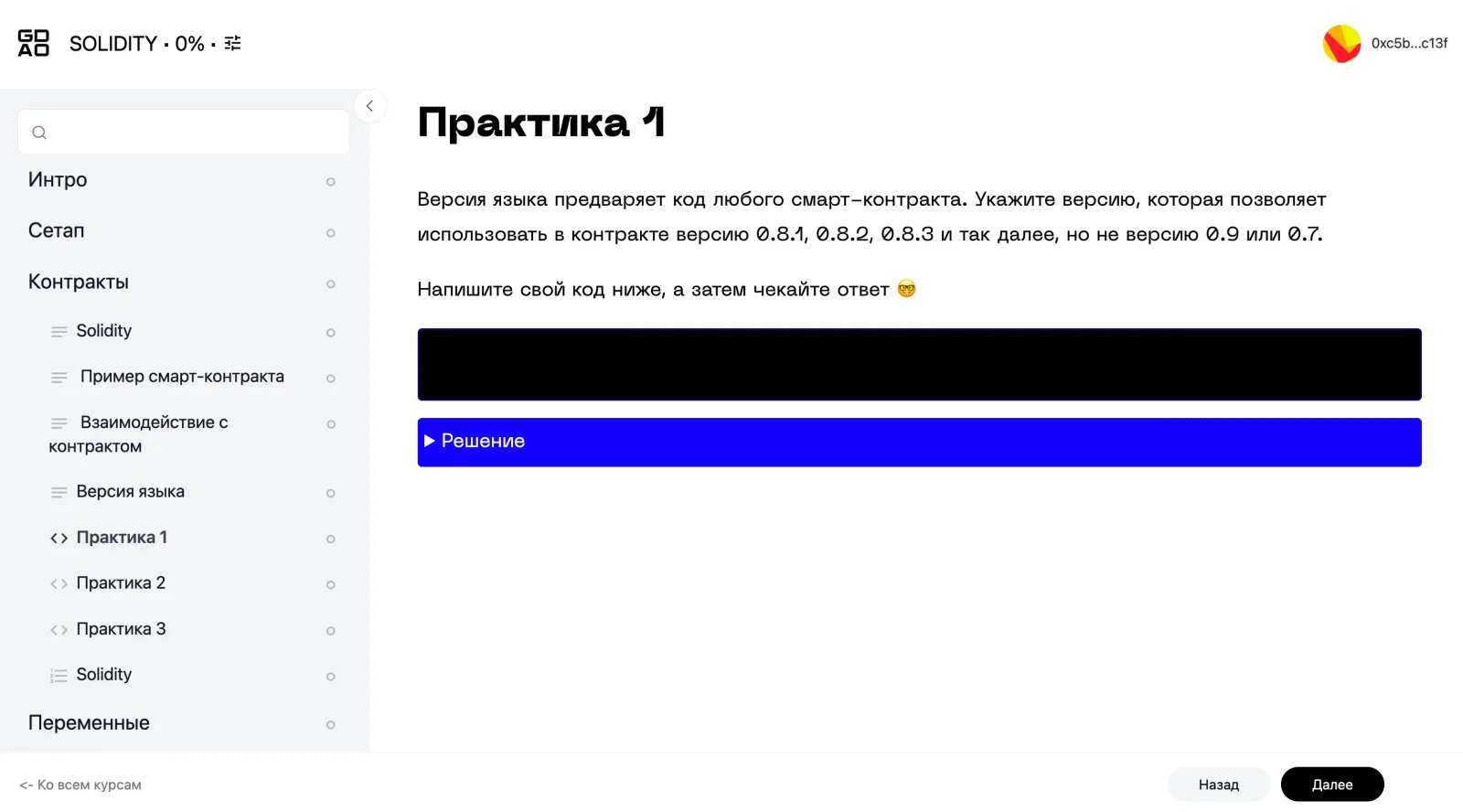
- Short LessonsLessons are split into small blocks. Complete one in a short session, then resume from the same point later.
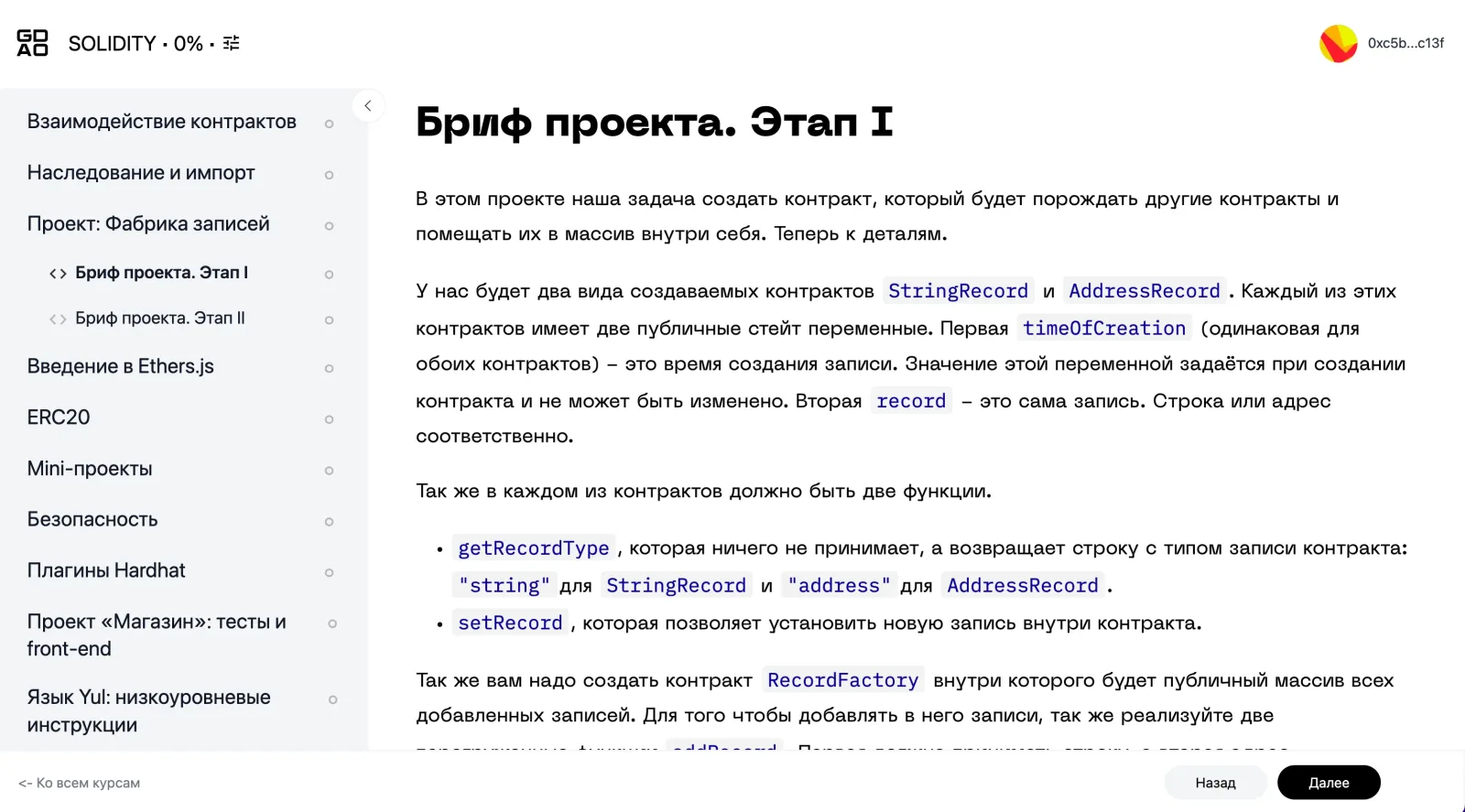
- Practice ThroughoutAssignments apply the material right after a lesson. In larger programs, separate outputs build toward a final project or capstone.
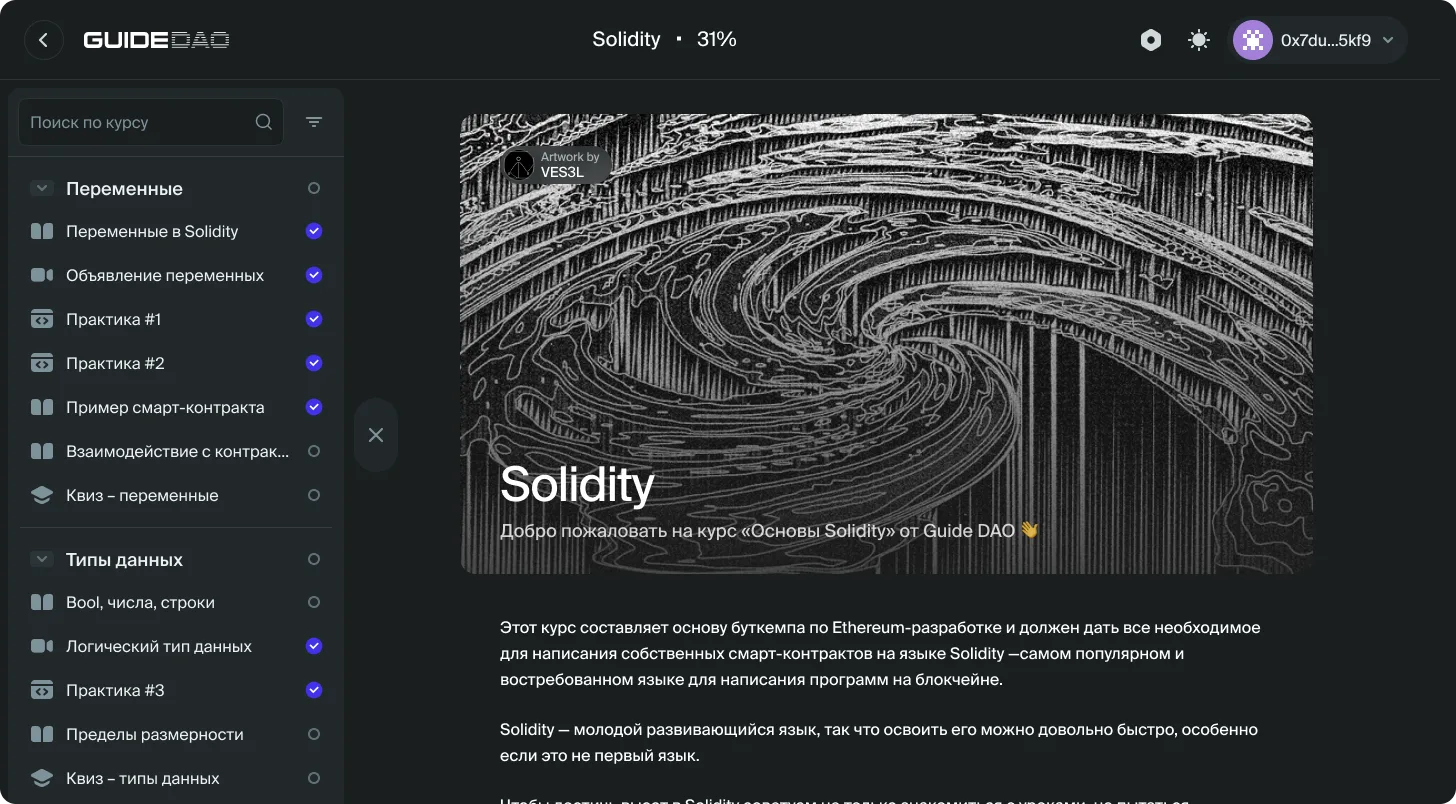
- One WorkspaceLessons, quizzes, assignments, and course materials stay together. Technical tasks can use the editor and syntax highlighting.
CommunityYou can complete the course at your own pace. Tests combine new topics with material from earlier modules. In each of the 21 exercises, you write one function, choose an architecture branch, or diagnose a failure. Each exercise stands on its own and ends with a small result you can check. In the capstone, you take the starter LLM Wiki repository and add an agent loop, two read-only tools, a test, and an eval case. You can discuss code and architecture in Discord, which also hosts periodic AMAs and live-coding streams about building agents.
Streams and Community
01
Agent Live Coding
Instructors build agents live, from the first API call to tools, state, and evals.
02
Discord AMAs
Periodic AMAs discuss the stack, architecture decisions, and the practice of building agents.
03
Exercise Discussions
Ask questions about code and compare solutions with other community members.
What you build
Results from 21 exercises, a working LLM Wiki, and the files needed to reproduce and inspect one run.
Code and decisions from 21 exercises
Small functions, architecture decisions, and failure analyses for the Responses API, context, tools, retrieval, memory, evals, orchestration, and runtime code.
LLM Wiki capstone
A starter repository extended with a manual agent loop, two read-only tools, and a test that makes no real API call.
Acceptance package
Pytest results, a run ID, summary, source map, trace, health check, and eval report for one reproducible run.